
A free, Open planet for everyone.
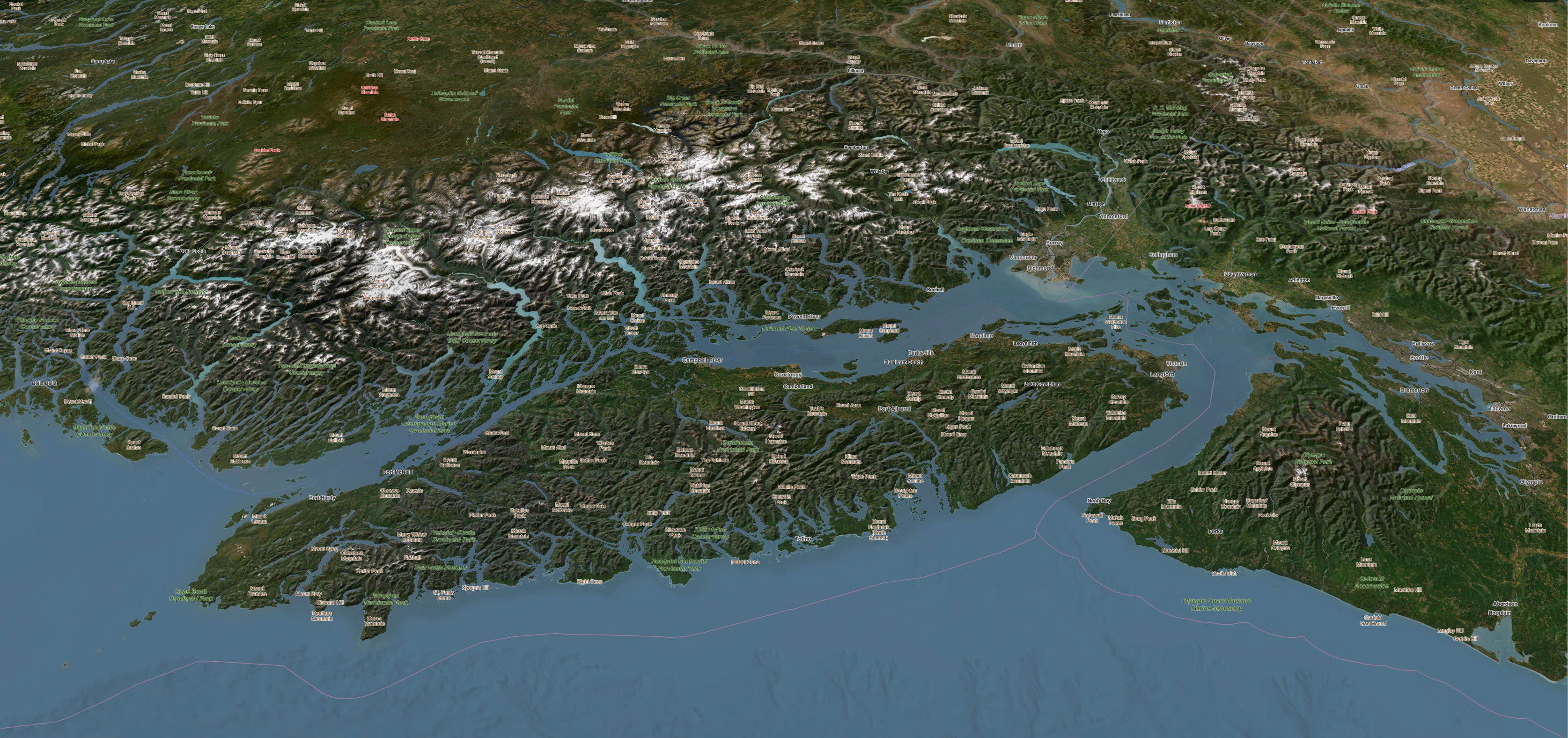
Open-Source means freedom of choice, collaboration and innovation.
About Joe
 I am passionate about technology, growing, making and cycling.
Born in the UK, I now live in beautiful British Columbia.
Thanks to Open-Source software, I have been building for the web both for fun and for work since 1997. I run an eBay advertising service called Auction Nudge and contribute to Open-Source projects. Currently the former pays for the latter.
Open-Source technologies have empowered me (and many others) to create and run my own business with almost no startup costs. This is a very powerful concept.
In my spare time I enjoy outdoor activities (especially cycling). My love of the outdoors is what started my journey into GIS.
Learning by Doing...
- [2025] ogis.app
- [2022] inReach MapShare
- [2020] Comox Valley Trails
- [2019] Waymark for WordPress
- [2012] Cumberland Trails
- [2012] Big Hikes Yosemite
ogis.app
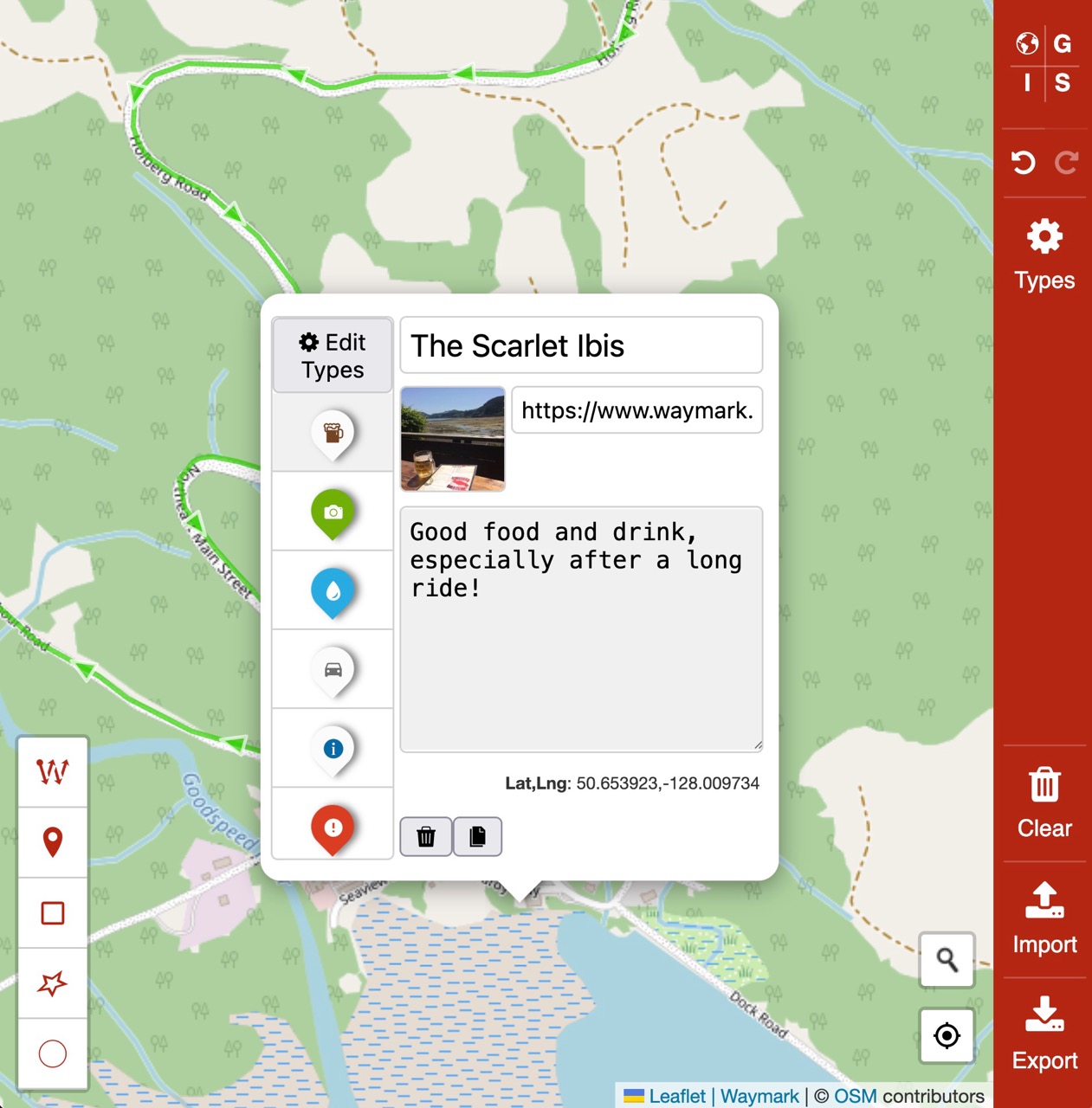
Rich web-based Map Editor built with Waymark JS v1.
The Open GIS App is a full-featured web-based Map Editor that uses Waymark JS v1 to create and edit Maps. It runs in the browser and allows users to create and share Maps without needing to install any software.
Designed for both desktop and mobile devices, it saves your edits in the browser's local storage, so sessions persist even if you close the tab or browser. You can also export your Maps to save them offline or share them with others.
inReach MapShare
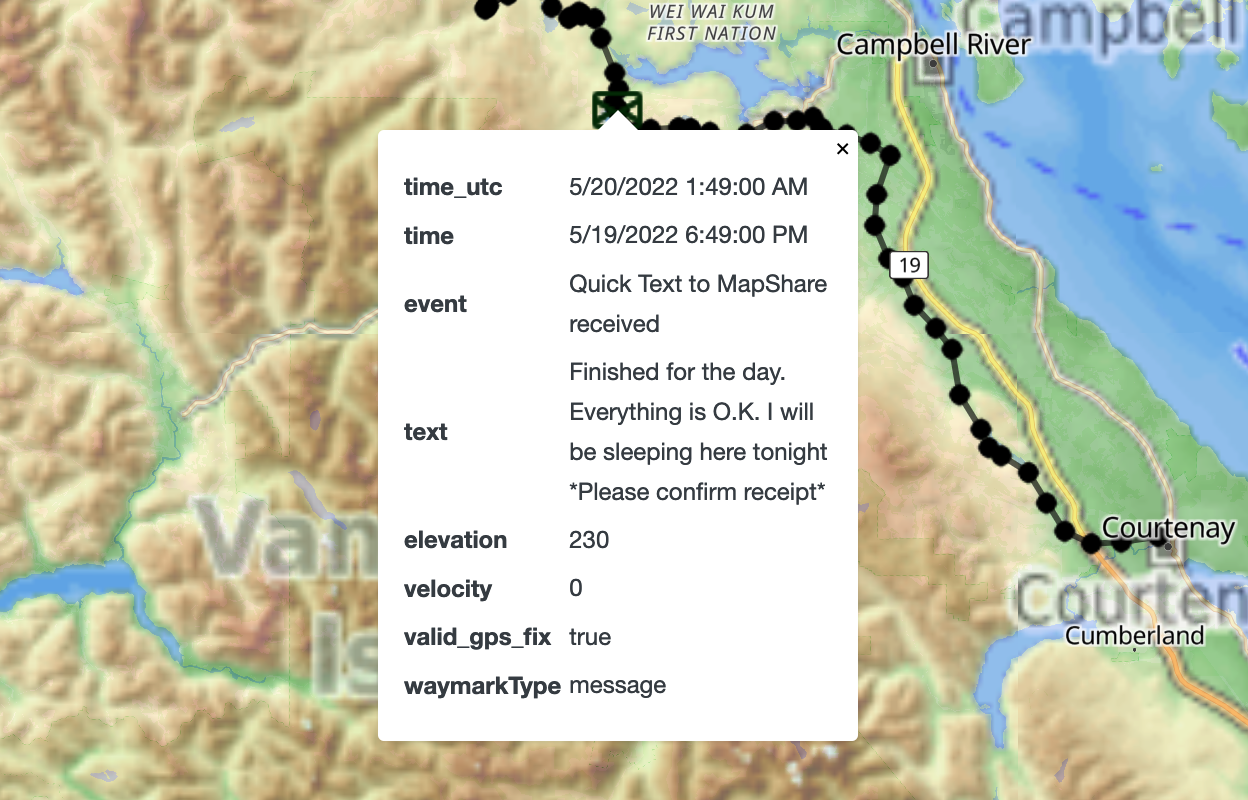
A better way to share your Garmin inReach location on the web.
A WordPress plugin to display your live Garmin inReach data. These satellite communication devices are used for outdoor activities, especially in remote areas where cellular coverage is not available.
The plugin allows users to embed a map on their website, showing the current location and route of their inReach device. The map is responsive, so it works on both desktop and mobile devices and has a number of customisation options.
It also enables WordPress users to automatically share their location with friends and family from anywhere in the world. While Garmin has its own tools for this, the plugin makes the process much simpler.
I use this plugin myself to share my location on bikepacking trips, often in remote areas.
Comox Valley Trails
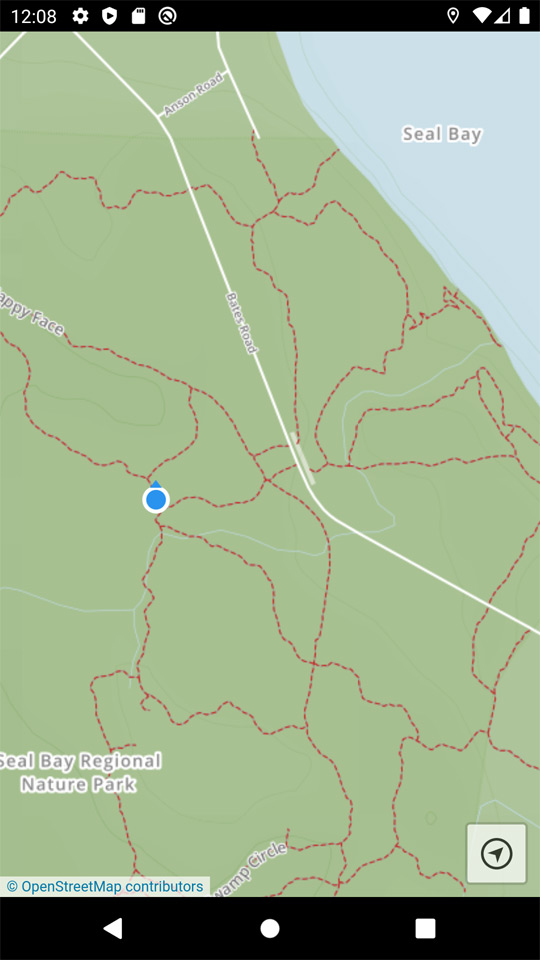
Providing free trail maps based on OpenStreetMap data.
A mobile app with offline trail maps of the Comox Valley region in British Columbia, Canada. Available in the browser, or as Apple and Android apps.
The app was designed to be simple and only included one button – "locate", which uses your device's GPS to display your current location (and which way you are facing). This is especially useful when navigating trails in terrain without cellular service.
This project taught me a lot about distributing topographical maps using web technologies, and about the importance of simplicity where there is no signal.
Waymark for WordPress

A WordPress plugin to easily create, edit and share meaningful Maps.
My goal with Waymark was to learn how to create and support a popular Open-Source project that makes creating Maps intuitive and easy.
WordPress is the most popular Content Management System (CMS) in the world and currently powers over 43% of all websites. It is also Open-Source and has an established community.
Using the Leaflet library, the plugin allows users to create and edit Maps. Users can add Overlays (Markers, Lines & Shapes) to their Maps and style them using Types. Waymark uses OpenStreetMap as the default Basemap. The plugin is pinned to Waymark JS v1.
The plugin has a loyal user base and all sorts of use cases (from dog walks to transport maps).
Waymark has been made better by user contributions (feedback/ideas/code/translations) and is currently officially available in the following languages in addition to English:
- Dutch
- Spanish (Spain & Chile)
- Croatian
- German
- Italian
- Galician
Thanks to the WordPress translation community, Waymark is becoming more accessible.
Waymark JS v1
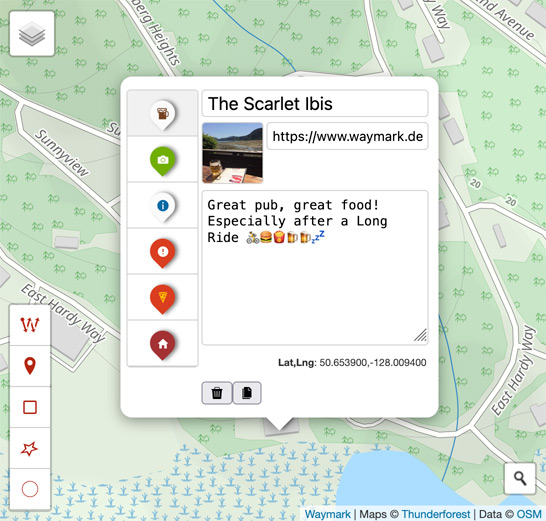
A JavaScript library for creating and editing Maps.
It includes a Map Editor, Viewer and controls for how Overlays appear.
The Editor
The Editor runs in your web browser and allows you to:
- Import data from various formats (GPX, KML and GeoJSON)
- Create Overlays (Markers, Lines & Shapes) using the intuitive interface
- Add meaning to your Maps by styling Overlays using Types
- Export your Maps to save them offline, including your custom Types
No account or API key is required to use the Editor, and Maps are stored in your browser's local storage.
Map First
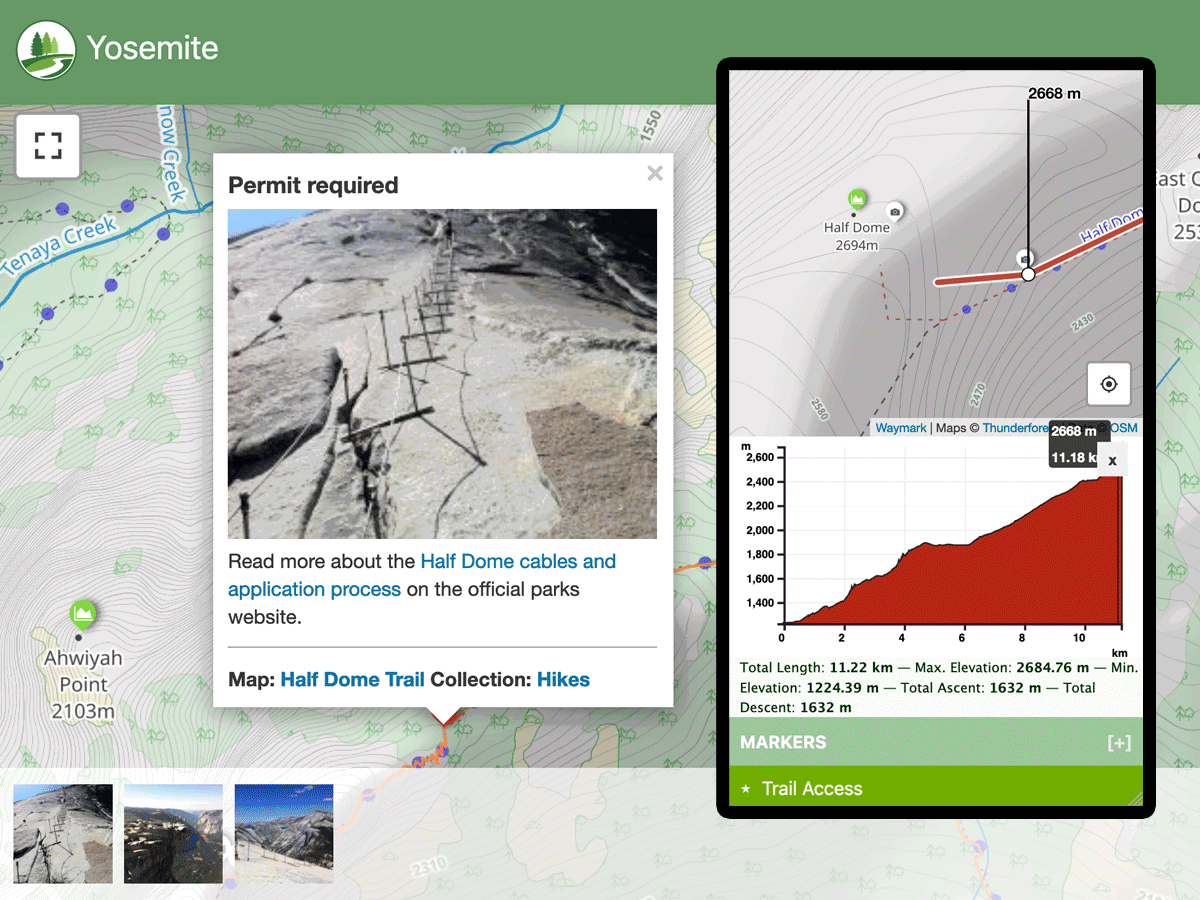
A minimal WordPress theme with an obsession for maps.
Designed for use with Waymark, Map First is a minimal WordPress theme that demonstrates many of Waymark's features. View the source code to see comments that explain how the theme works, or use it to start building a custom Geographic Information System (GIS) powered by WordPress.
Cumberland Trails
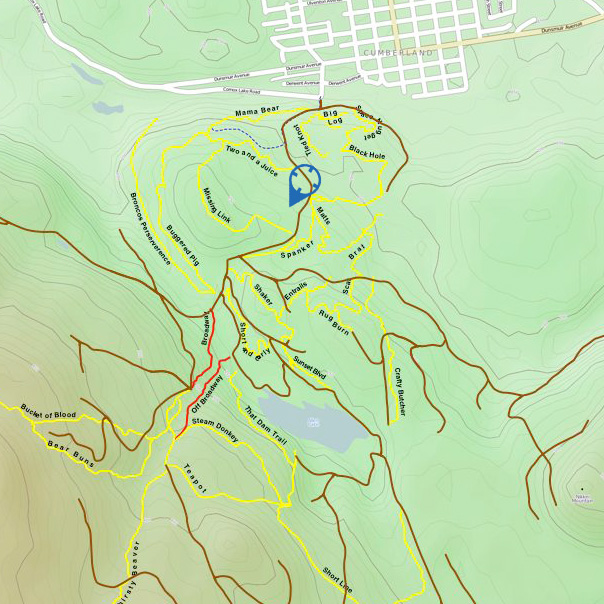
A web-based map of the trails in the Cumberland region of British Columbia, Canada.
For this project I personally recorded GPS tracks of trails (by running and riding them) and overlaid them on OpenStreetMap data.
I then created a georeferenced map of the area using Photoshop, which, combined with the user's current location and heading, could be used for navigation.
While the map was never published, the project was a valuable learning experience in creating maps and working with geospatial data.
Big Hikes Yosemite
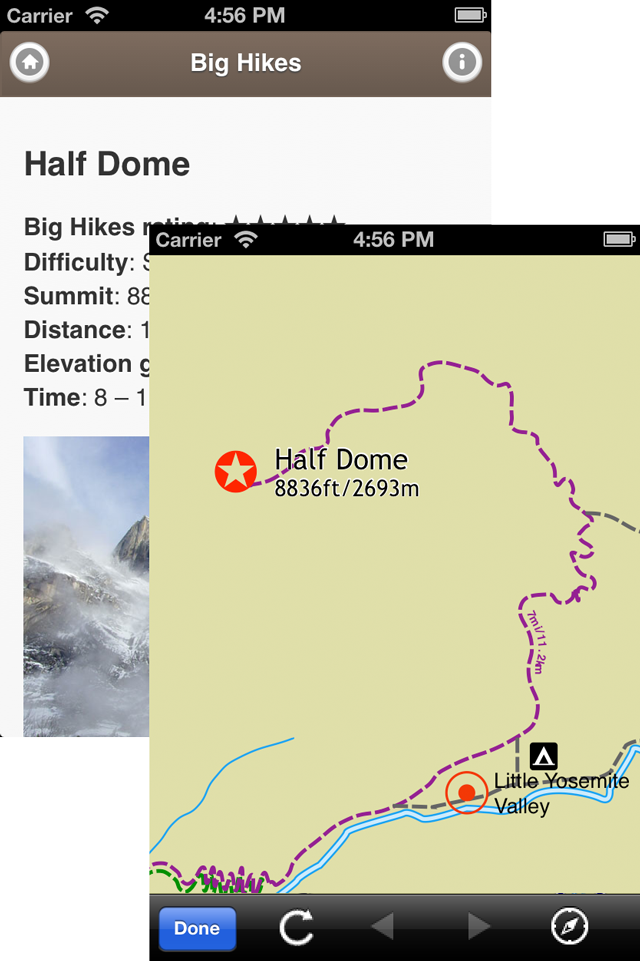
A web-based map of the Big Hikes in Yosemite National Park.
Big Hikes Yosemite was a free app with information about four strenuous day hikes in the Yosemite Valley area (California, United States).
It contained detailed trail descriptions, original photographs, trail maps and trailhead information, all of which I researched and created myself. The map itself I made offline using Ortelius (now defunct), combining my own GPX with existing public data.
This was my first foray into both native mobile app development and map creation. I learned a great deal about creating and distributing apps through app stores.